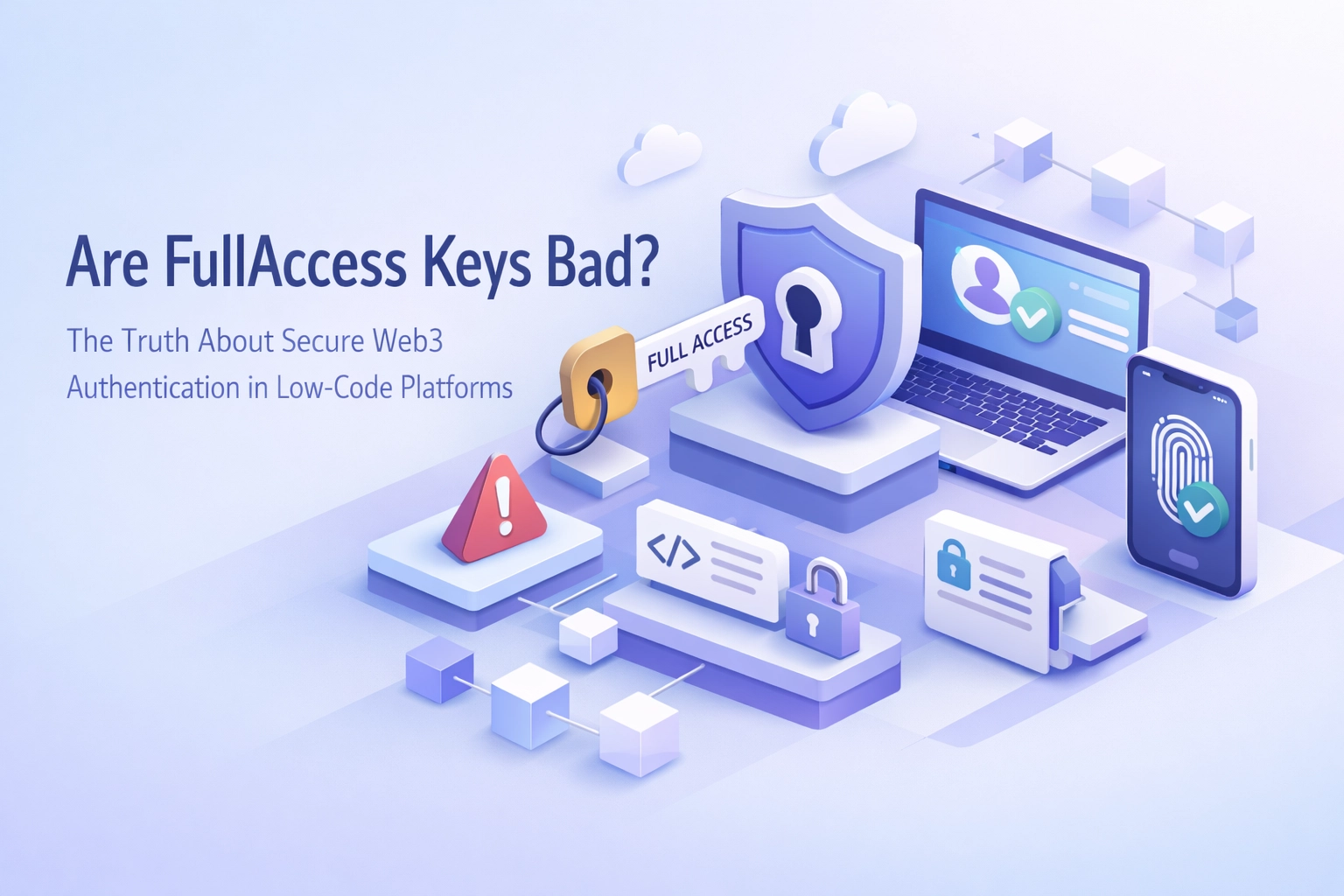
If you're building Web3 apps on low-code platforms, you've probably wondered whether using FullAccess keys from NEAR Protocol is a security risk. The short answer: yes, they are, and most developers don't realize they're creating vulnerabilities until it's too late.
Here's the problem: FullAccess keys give complete control over a NEAR account. That means anyone with access to that key can transfer tokens, delete access keys, deploy contracts, and execute any transaction they want. When you're integrating blockchain functionality into Webflow, Zapier, or any other low-code platform, storing a FullAccess key is like leaving your front door wide open with a sign that says "please come in."
The good news? There's a better way. FunctionCall keys let you authenticate users and execute smart contract methods without handing over the keys to the kingdom. In this post, you'll learn the security difference between these two key types, why it matters for your low-code Web3 projects, and how platforms like Kiews are solving this problem by design.

In NEAR Protocol, every account can have multiple access keys attached to it. A FullAccess key is exactly what it sounds like: unrestricted access to perform any action on that account.
With a FullAccess key, you can:
This level of control is necessary for wallet applications where users need to manage their accounts directly. But when you're building automated workflows or integrating blockchain features into low-code tools, FullAccess keys become a massive liability.
Think about it: if your Zapier automation stores a FullAccess key to trigger smart contract calls, and that key gets exposed through a compromised API endpoint or a misconfigured environment variable, an attacker now controls that entire NEAR account. They can drain funds, lock you out by removing your keys, or use the account for malicious purposes.
FunctionCall keys are restricted access keys that can only call specific smart contract methods on specific contracts. They cannot transfer tokens, cannot modify account keys, and cannot perform any administrative actions on the account.
When you create a FunctionCall key, you explicitly define:
Here's a practical example. Let's say you're building a workflow that mints NFTs whenever someone submits a form on your Webflow site. With a FunctionCall key, you can:
nft_mint method on your NFT contract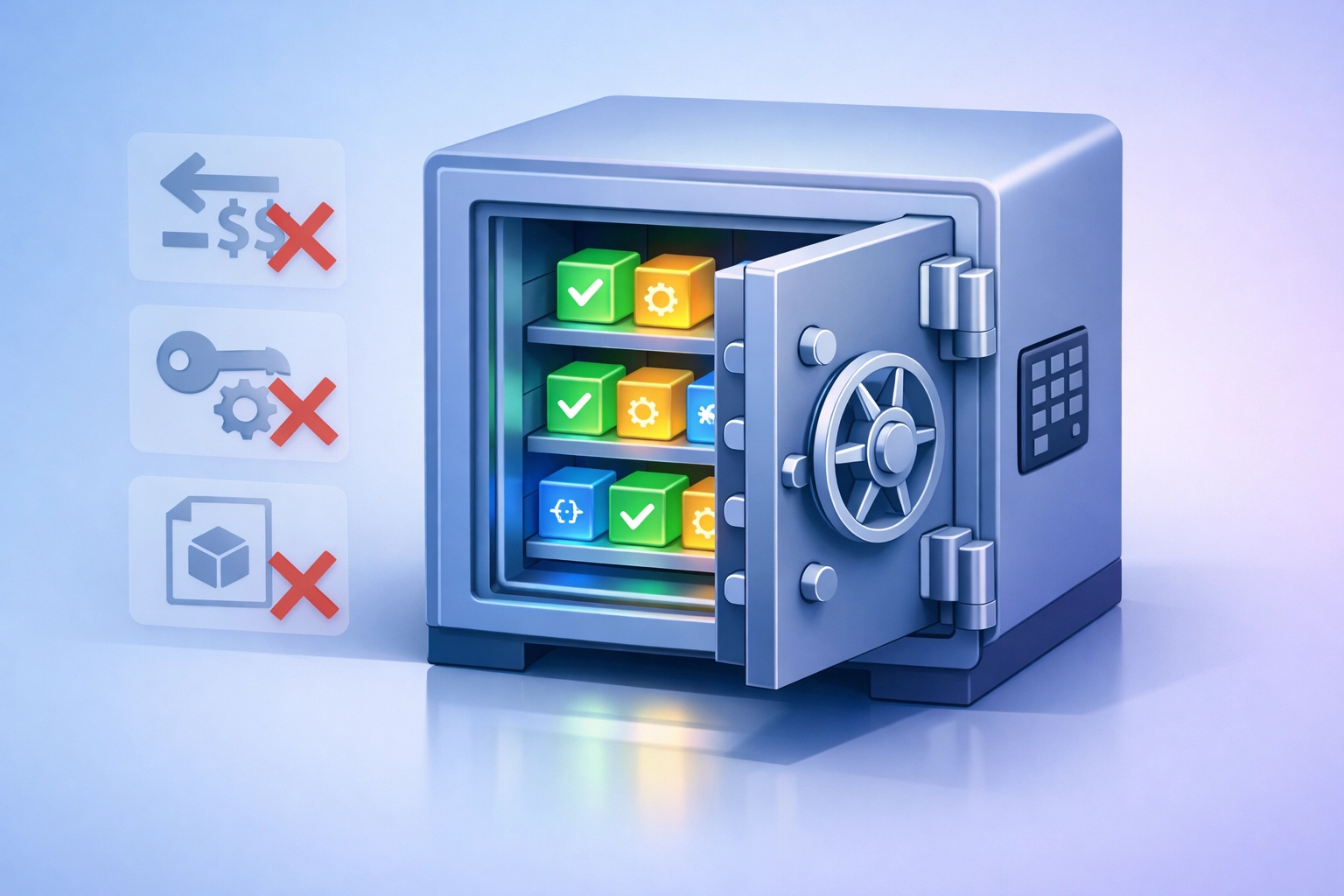
If that FunctionCall key gets compromised, the worst-case scenario is limited. The attacker can only mint NFTs using your predefined parameters and within your gas allowance. They can't steal your tokens, can't lock you out of your account, and can't pivot to other malicious actions.
Low-code platforms like Webflow, Zapier, Make, and Flutter web apps are designed to make development accessible to non-developers. But this accessibility comes with trade-offs when integrating blockchain functionality.
Most low-code blockchain tutorials tell you to store your private key in an environment variable and use it to sign transactions. This works, but it's fundamentally insecure if you're using FullAccess keys. Here's why:
1. Key Exposure Risk
Environment variables can leak through logs, error messages, or misconfigured cloud services. Low-code platforms often have multiple integration points, and each one is a potential exposure vector. If you're storing a FullAccess key, one mistake means total account compromise.
2. Over-Privileged Access
Your automated workflow probably needs to call one or two smart contract methods. But with a FullAccess key, you're giving that workflow permission to do everything. This violates the principle of least privilege: a core security concept that says you should only grant the minimum permissions needed to perform a task.
3. No Transaction Limits
FullAccess keys have no built-in spending limits. If your low-code automation gets hijacked or has a bug that causes it to loop infinitely, a FullAccess key can drain your entire account balance through transaction fees or intentional transfers.
4. Difficult Audit Trails
When everything happens through a FullAccess key, it's harder to track what specific action caused a security incident. FunctionCall keys create clearer boundaries that make security audits and incident response much easier.
When you're building Web3 integrations on low-code platforms, FunctionCall keys give you security by default. Here's what that looks like in practice:
Scoped Permissions
You create a FunctionCall key for each workflow or integration. Your Zapier automation that triggers NFT mints gets a key that can only call nft_mint. Your Webflow form that writes data to a smart contract gets a key that can only call store_data. Each key is isolated and purpose-built.
Gas Allowance Controls
You can set a maximum gas allowance when creating a FunctionCall key. Once that allowance is exhausted, the key stops working. This prevents runaway costs from bugs or attacks and gives you a predictable budget for automation costs.
Easier Key Rotation
Because FunctionCall keys are limited in scope, rotating them is less risky. If you suspect a key has been compromised, you can delete it and create a new one without worrying about losing access to critical account functions.
Compliance-Friendly
If you're building apps that need to meet security standards or undergo audits, using FunctionCall keys demonstrates that you're following security best practices. This is especially important if you're handling user data or building products in regulated industries.

At Kiews, we built FunctionCall key authentication into the platform from day one. When you integrate NEAR blockchain functionality into your low-code project, you're not asked to paste a FullAccess private key into a text field. Instead, the platform generates and manages FunctionCall keys that are scoped to exactly what your integration needs.
Here's how it works:
When you create a new integration, you specify which smart contract methods your workflow needs to call. Kiews automatically creates a FunctionCall key with permissions limited to those specific methods. The key is stored securely in the platform's infrastructure, never exposed in client-side code, and rotated automatically based on your security policies.
This approach means you can build sophisticated Web3 workflows without becoming a security expert. Your Webflow site can mint NFTs, your Zapier automation can trigger smart contract calls, and your Flutter app can write data on-chain: all without ever handling a FullAccess key.
The platform also provides monitoring and alerts. If a FunctionCall key is being used in unexpected patterns or approaching its gas allowance limit, you get notified immediately. This gives you visibility into your blockchain integrations without requiring you to manually track transactions on NEAR Explorer.
Whether you're using Kiews or building your own integrations, here are the security practices you should follow:
Never store FullAccess keys in environment variables. If your workflow needs to perform administrative actions that require a FullAccess key, use a secure key management service like HashiCorp Vault or AWS Secrets Manager, and restrict access through IAM policies.
Create separate FunctionCall keys for each integration. Don't reuse the same key across multiple workflows or platforms. Isolation limits the blast radius if one key gets compromised.
Set gas allowances conservatively. Start with a low allowance and increase it only if needed. Monitor your actual gas usage and keep allowances close to your typical consumption.
Implement key rotation schedules. Even if keys aren't compromised, rotating them regularly limits the window of opportunity for attackers who might have gained access without your knowledge.
Monitor transaction patterns. Set up alerts for unusual activity: transaction volume spikes, calls to unexpected methods, or activity outside normal business hours.
Document which keys are used where. Keep a registry of your FunctionCall keys, what they're authorized to do, and which integrations use them. This makes incident response and security audits much easier.
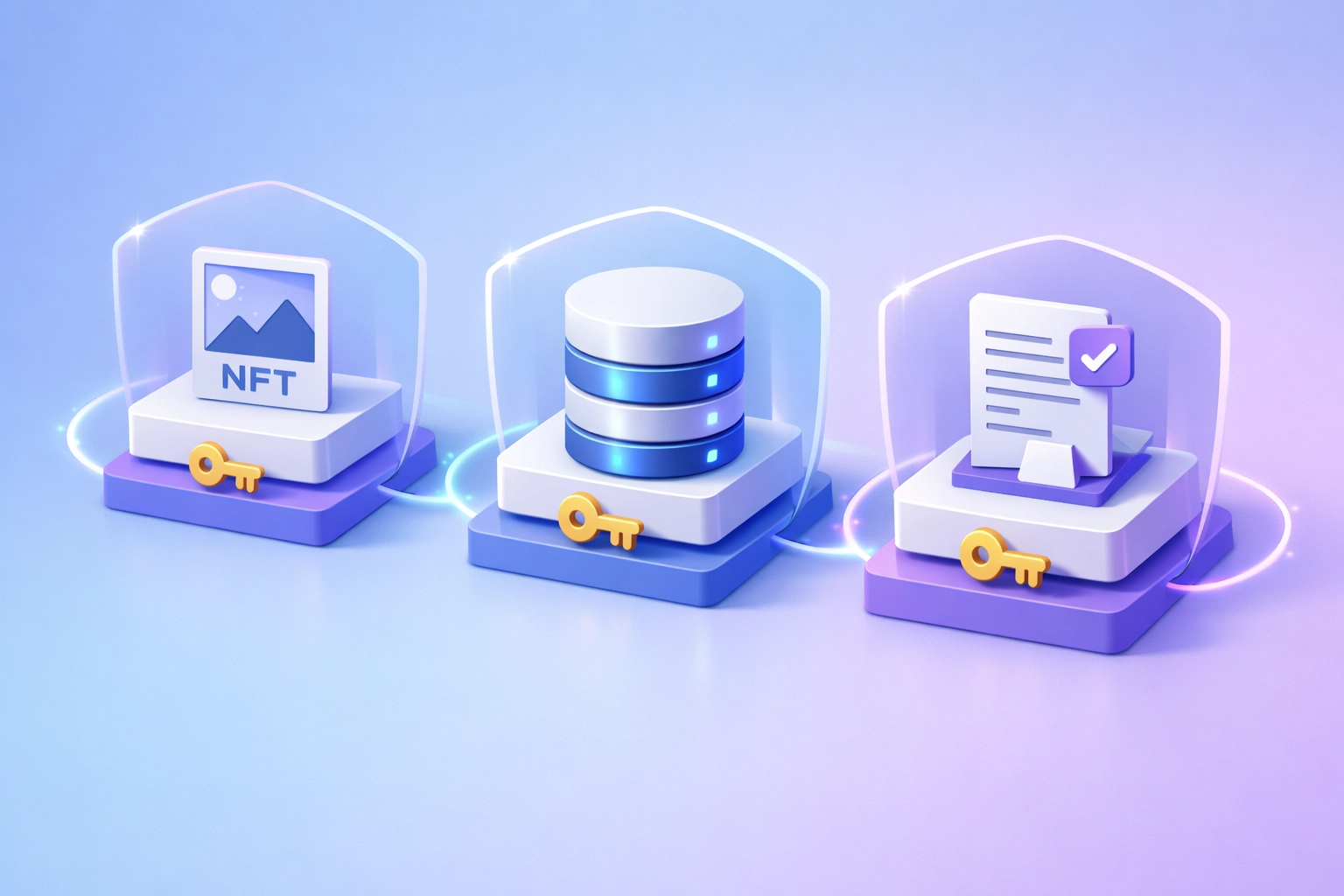
FullAccess keys aren't inherently bad: they're necessary for wallet applications and account management. But in low-code Web3 integrations, they create unnecessary security risks that can be eliminated by using FunctionCall keys instead.
By restricting permissions to exactly what your workflow needs, setting gas allowances to control costs, and isolating keys by integration, you dramatically reduce your attack surface. If a key gets compromised, the damage is contained to a specific, limited set of actions rather than complete account takeover.
Platforms like Kiews make this security model the default, so you can focus on building your Web3 features instead of worrying about key management. When blockchain authentication is secure by design, low-code Web3 development becomes accessible without sacrificing security.
The next time you're integrating NEAR Protocol into your Webflow site or Zapier workflow, ask yourself: does this integration really need FullAccess, or can it work with a scoped FunctionCall key? In almost every case, the answer is FunctionCall: and your users' security will be better for it.
%202.svg)


